Man Cave Buyers Guide is a participant in the Amazon Services LLC Associates Program. If you buy through links on this page we may earn a commission, at no extra cost to you. We do not accept manufacturer samples or payment for favorable coverage.
A golf simulator for garage installation ranks among the best ways to turn dead space into something the whole household will actually use, rain or shine. But garages are unpredictable rooms: sloped ceilings, support poles, garage door tracks and shared duty with cars, bikes and storage bins. Before you buy anything, you need a realistic picture of what your garage can physically fit and what a full setup costs to run. This guide walks through space planning, gear tiers and the mistakes that trip up most first-time buyers.
Quick answer: A workable golf simulator for garage use typically needs roughly 10 to 12 feet of ceiling height, about 10 feet of width and 15 to 18 feet of depth for a full swing with longer clubs. Measure your own space first, then match a launch monitor, screen and mat package to what actually fits and your budget.
Planning a Golf Simulator for Garage Space
Ceiling Height and Swing Clearance
Ceiling height is usually the first thing that rules a garage in or out. Most simulator brands and swing-clearance guides suggest planning for roughly 10 feet of clear height as a comfortable minimum, with 9 feet workable for shorter players or those who mostly use irons rather than a driver. Garage ceilings often have lower spots near the door track or exposed joists, so measure at the exact point where you would stand and swing, not just the highest point in the room. If you are close to the minimum, check the spec sheet on any launch monitor or enclosure you are considering, since some frames and screen mounts add several inches of their own.
Width and Depth for a Full Swing
Width matters for your stance and follow-through, and depth matters for ball flight before it reaches the screen. As a rule of thumb, budget for about 10 feet of width so a right- and left-handed golfer can both use the space comfortably, and roughly 15 to 18 feet of depth from the tee position to the impact screen. Shorter setups exist and can work for shorter irons and putting practice, but check any specific simulator package’s recommended throw distance before assuming a tighter garage will handle a driver swing safely.
Launch Monitor vs Full Simulator Package
Buyers generally choose between two starting points. A standalone launch monitor gives you swing data such as ball speed and launch angle, often paired with a phone app or a basic on-screen range, and asks less of your space and budget. A full simulator package bundles a launch monitor with simulation software, a hitting mat, an impact screen and sometimes a projector, aiming to recreate an actual course experience on your garage wall.
If you are unsure which tier fits your goals, browsing a current range of golf simulator packages for garage use side by side is a fast way to compare what is included at each price point: see current golf simulator packages on Amazon. Read the fine print on what ships versus what you need to add, since some listings show a full course-play setup but only include the mat and net.
Sizing Your Garage: A Decision Framework
Rather than picking gear first and hoping it fits, work through the space in this order:
- Step 1: Measure your true ceiling height at the swing spot, not the room’s highest point, and subtract a safety margin for lights or door tracks.
- Step 2: Mark out width and depth on the floor with tape, standing in your normal stance and taking a slow practice swing to check nothing catches on shelving or a workbench.
- Step 3: Decide if the garage is single-use or shared with a vehicle, since shared spaces usually need a mat, screen and enclosure that can be broken down or rolled aside.
- Step 4: Match gear to the measured space, not the other way around, and treat any manufacturer’s recommended clearance as a minimum rather than a target.
- Step 5: Budget for extras such as flooring, lighting and electrical outlets, which often get overlooked until setup day.
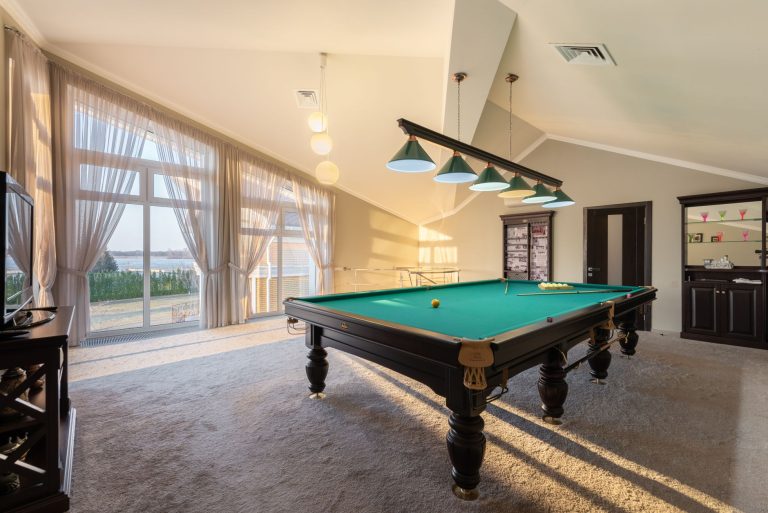
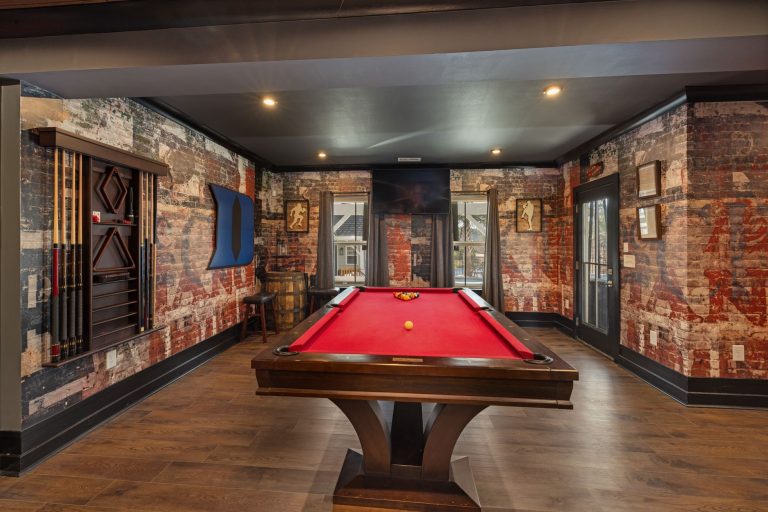
This same measure-first approach applies to most garage or basement game room additions. If you are also weighing up a table for the same space, our basement pool table buying guide and 8 foot pool table buying guide walk through similar clearance math for cue swing room, which can help you plan a multi-use garage layout rather than buying gear that only just fits one activity.
What to Check Before You Buy
- Confirm the ceiling height at your actual swing position, with a margin for any mounted screen frame or projector.
- Check the recommended minimum depth for the launch monitor’s tracking technology, since camera-based and radar-based units often have different placement needs.
- Look at flooring compatibility. A concrete garage floor usually needs a dedicated hitting mat and turf underlay rather than the mat alone.
- Ask whether the package includes an impact screen or just software, since screens and enclosure frames are a common add-on cost.
- Plan for garage-specific issues such as temperature swings, humidity and dust, which can affect electronics over time.
A dedicated hitting surface and impact screen are usually the two components buyers underestimate in cost and space. It is worth comparing options directly: browse golf impact screens on Amazon and check the listed dimensions against the width and depth you marked out in Step 2 above.
Common Mistakes
- Measuring the room, not the swing spot. A garage’s highest point is rarely where you will actually stand and swing.
- Ignoring the garage door track. Overhead tracks and openers can eat clearance that a flat ceiling measurement misses.
- Buying the mat and screen as an afterthought. These often cost as much as the launch monitor itself once you add a proper mat, screen and mounting frame.
- Skipping flooring prep. Bare concrete transmits vibration and can be uncomfortable underfoot for regular sessions, so budget for underlay or interlocking tiles.
- Forgetting shared-use logistics. If the garage still needs to park a car, plan for a setup that breaks down or rolls aside rather than a permanent enclosure.
FAQ
How much ceiling height do I need for a golf simulator in my garage?
Most guidance points to roughly 10 feet as a comfortable minimum for a full swing with a driver, though check the spec sheet for your specific launch monitor and enclosure, since mounted screens and frames can reduce usable height.
Can I fit a golf simulator in a one-car garage?
Often yes, provided you have around 10 feet of width and 15 to 18 feet of depth once the car is moved out or parked elsewhere, but measure your specific garage rather than assuming a standard one-car bay will match these figures exactly.
Do I need a separate impact screen or does the mat include one?
Most hitting mats do not include a screen. Check each package listing carefully, since some bundles marketed as complete simulators separate the mat, net and screen into add-on purchases.
Is a launch monitor enough, or do I need a full simulator setup?
A launch monitor alone can give useful swing data for practice, but if you want visual course play on a screen you will also need simulation software, a projector or TV, and typically an impact screen.
Final Recommendation
Start with a tape measure, not a shopping cart. Confirm your true ceiling height and swing space before comparing packages, since the right gear for a converted double garage is rarely the right gear for a tight single-car bay. Once you know your numbers, match a launch monitor and mat combination to that space rather than stretching your garage to fit a package built for a larger room. If your garage is also earmarked for other games, our standard shuffleboard table size guide is a useful companion for planning a multi-purpose layout that works for more than one activity.